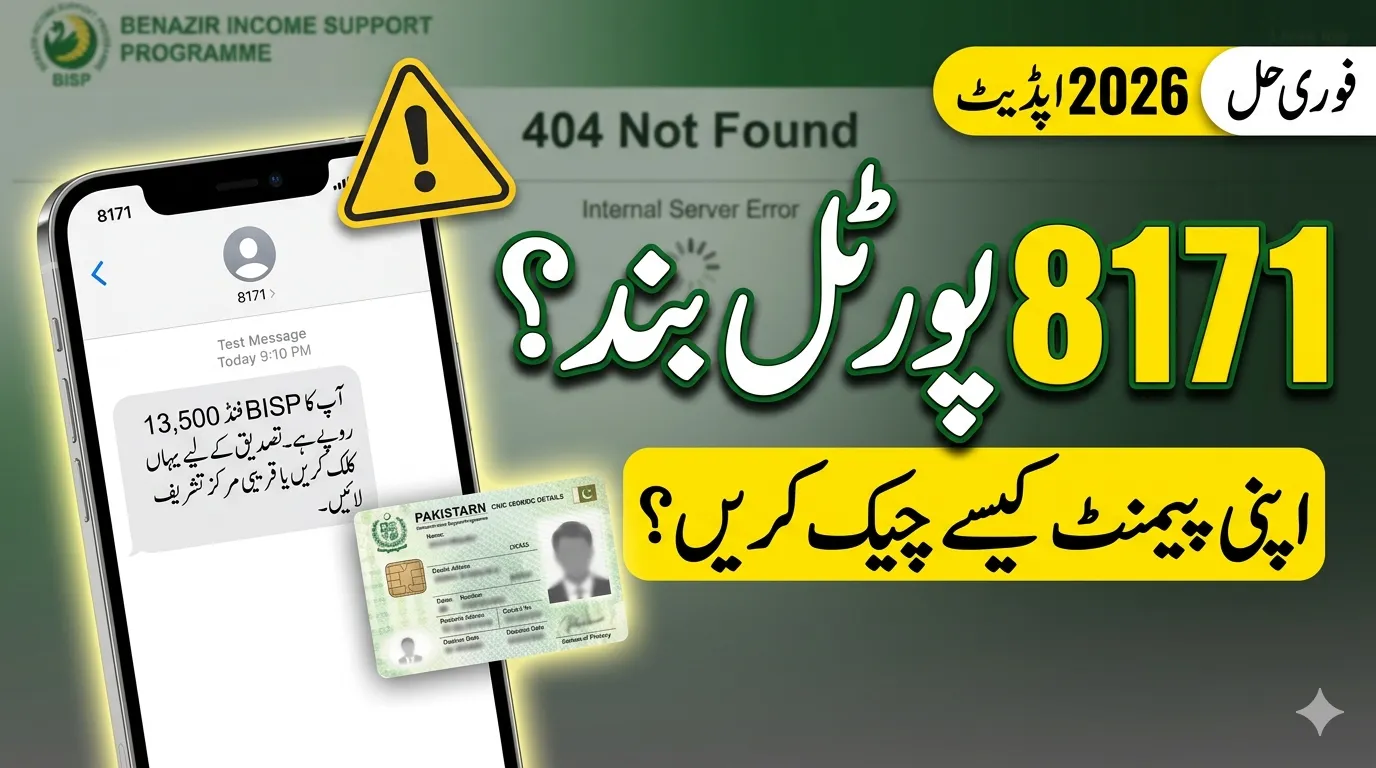
If you are trying to check your BISP payment and the 8171 web portal is not working, you are not alone. In 2026, many users across Pakistan are facing issues like slow loading, errors, or the website not opening at all.
The official system of Benazir Income Support Programme is still active, but temporary technical problems can happen—especially during payment days. This guide explains the real reasons and simple solutions so you can check your status without any परेशانی.
Why the 8171 Web Portal Is Not Working
There are a few common reasons why the portal may stop working or show errors.
Server Overload
During payment releases, thousands of users try to access the portal at the same time. This heavy traffic can slow down or temporarily crash the system.
Maintenance or Updates
Government platforms are regularly updated for security and performance. During this time, the portal may be temporarily unavailable.
Internet or Browser Issues
Sometimes the problem is not from the website but from your internet connection, mobile device, or browser settings.
Official Solutions to Fix 8171 Portal Issues
Follow these simple and verified methods to solve the problem quickly:
1. Try Again Later
If the system is busy, wait a few hours and try again. Early morning or late night is usually the best time.
2. Use the 8171 SMS Method (Best Alternative)
Even if the website is down, you can still check your status easily:
- Open your mobile SMS app
- Type your CNIC number (without dashes)
- Send it to 8171
- Receive your eligibility and payment details instantly
This is the fastest and most reliable method.
3. Clear Browser Cache
Sometimes old data causes loading issues. Clear your browser cache and reload the page.
4. Change Device or Browser
Try using another browser like Chrome or Firefox, or switch to a different device such as a smartphone.
5. Use Only Official Website
Always use the official portal of Benazir Income Support Programme and avoid fake links to stay safe.
Common Problems and Quick Fixes
| Issue | Possible Reason | Quick Solution |
|---|---|---|
| Website not opening | Server overload | Try again later |
| Slow loading | High traffic | Use off-peak hours |
| CNIC not recognized | Data not updated | Update NSER survey |
| Error message | System maintenance | Wait and retry |
| Page not responding | Browser issue | Clear cache or change browser |
Alternative Method to Check BISP Status
If the portal is still not working, the government recommends using the SMS service.
How to Check via SMS
- Open SMS app
- Enter CNIC number
- Send to 8171
- Get instant reply with payment details
This method works even without internet and is بسیار reliable.
Important Instructions for Users
To avoid problems and scams, follow these important tips:
- Never share your CNIC with unknown people
- Do not trust unofficial websites or agents
- Keep your CNIC updated and valid
- Complete biometric verification when required
Frequently Asked Questions (FAQs)
Why is the 8171 portal not working today?
Usually due to heavy traffic or system maintenance.
What is the fastest way to check BISP status?
The SMS method (8171) is the quickest option.
Is the 8171 portal free?
Yes, it is completely free to use.
Can I check my status without internet?
Yes, through SMS service.
What if my CNIC is not found?
You may need to update your data through the NSER survey.
Final Words
The 8171 web portal is an important tool for checking your BISP payments, but temporary issues can happen due to heavy usage or system updates. The good news is that you still have reliable alternatives like the SMS service.
By following the correct methods and using only official platforms, you can safely check your eligibility and receive your payments without any confusion.